
Devices
The Devices section serves to enter hardware components that are used in the deployment, such as cameras or input/output modules (e.g., ADAM-6xxx).
Adding devices
To add devices, follow these steps:
Select Devices from the left side panel.
Click Add device.
Select the device type.
Fill in the required fields.
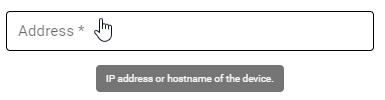
Mouse over a field to see additional information
After you’ve finished filling in the information, click Add.
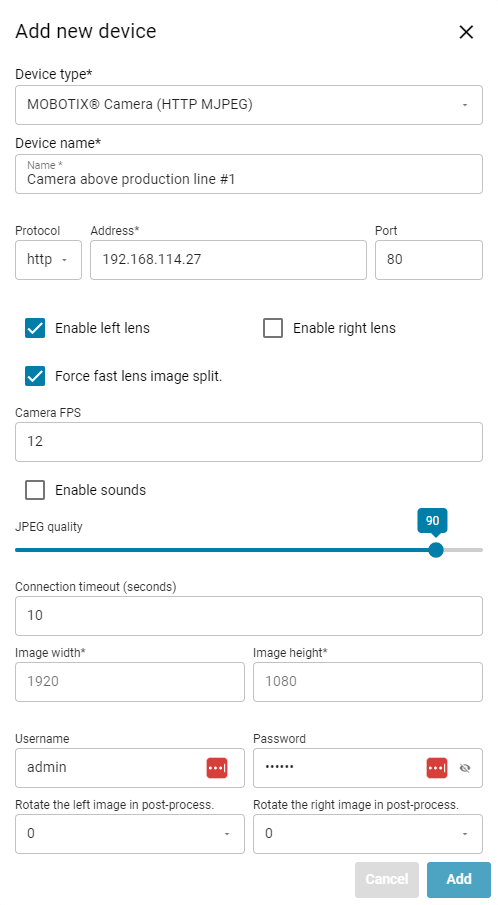
Add in all the devices present in the hardware setup, then proceed to the next part of the project builder.